Skip to main content
UPS - How to Get Oauth API Credentials?
Skipum User
Obtaining UPS Oauth API Credentials
- Login to your UPS account.
- After you are logged in, go to the UPS Developer Site.
- Select 'Add Apps'.
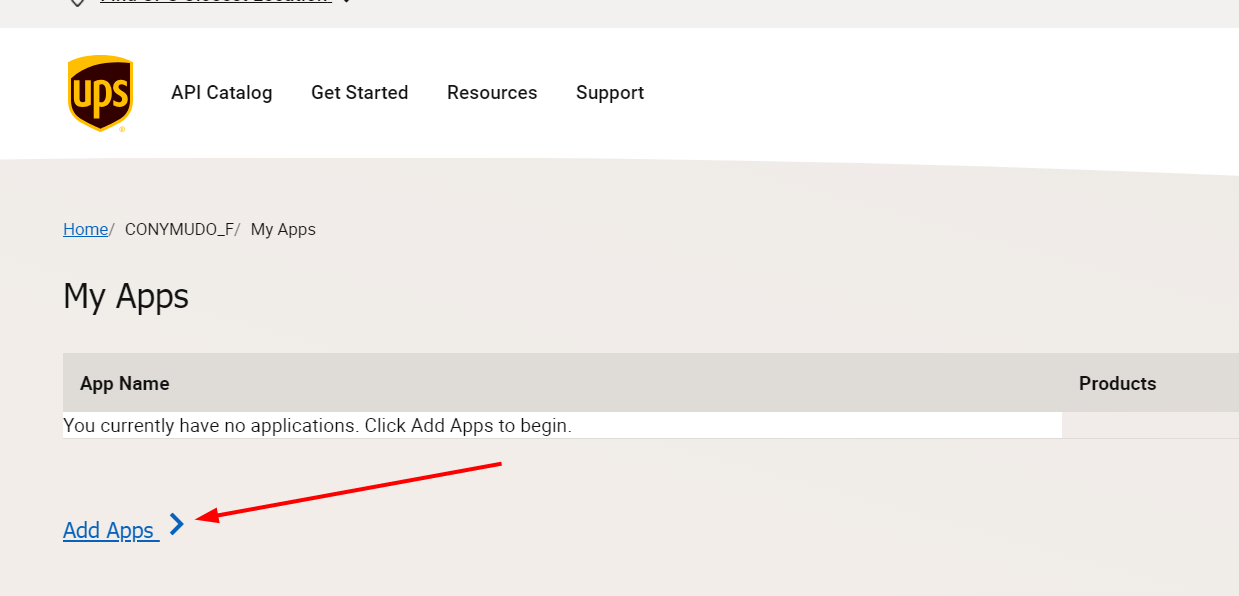
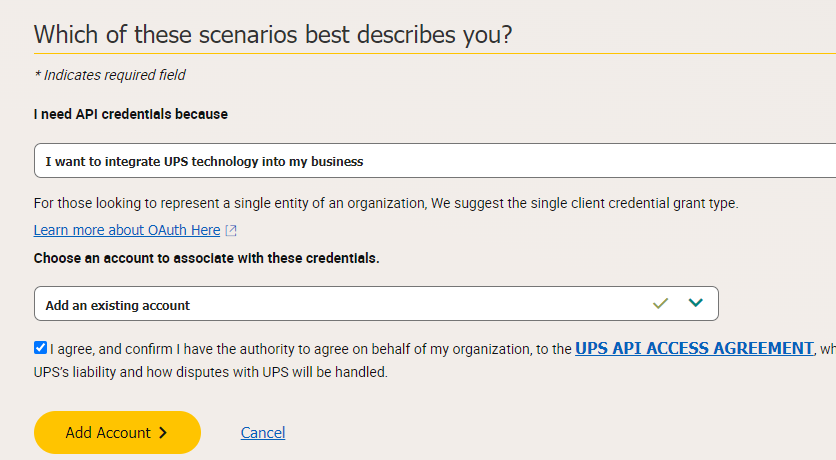
- From the dropdown labeled "I need API credentials because", select "I want to integrate UPS technology with my business".
- From the second dropdown, select the UPS account that you would like to use. Select the check box agreeing to terms and conditions.
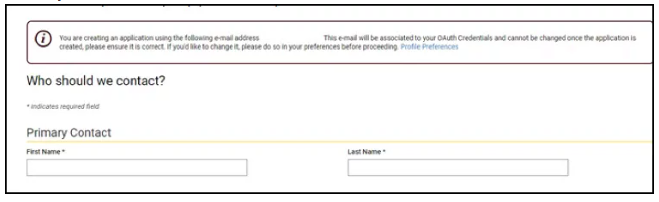
- Fill in your contact details.
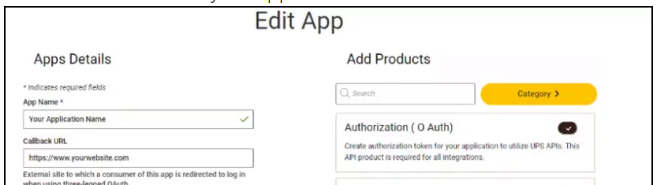
- For the app name, enter "DDVIS". For the callback URL, leave this field blank. Select the "Authorization (O Auth)" API.
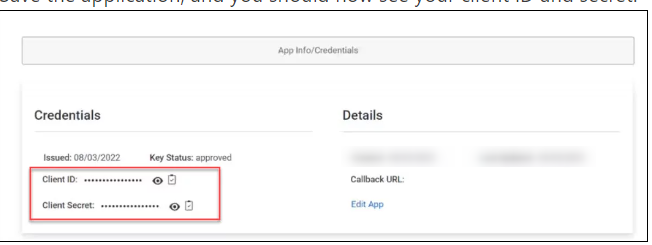
- Save the application. You should see your Client ID and Client Secret.
Adding Credentials to Delivery Defense: Visibility
- Login to your DDVIS tenant
- Select the Carrier Credentials App
- Click the Setting button
- Next to the UPS section, select "Enter Credentials"
- Enter your UPS API credentials to the provided fields
- Select "Save"
